


Headshot Grid helps photographers build polished branded grids from volume headshot sessions, with flexible event and sponsor branding in the header, footer, center cell, or large center-logo layout.
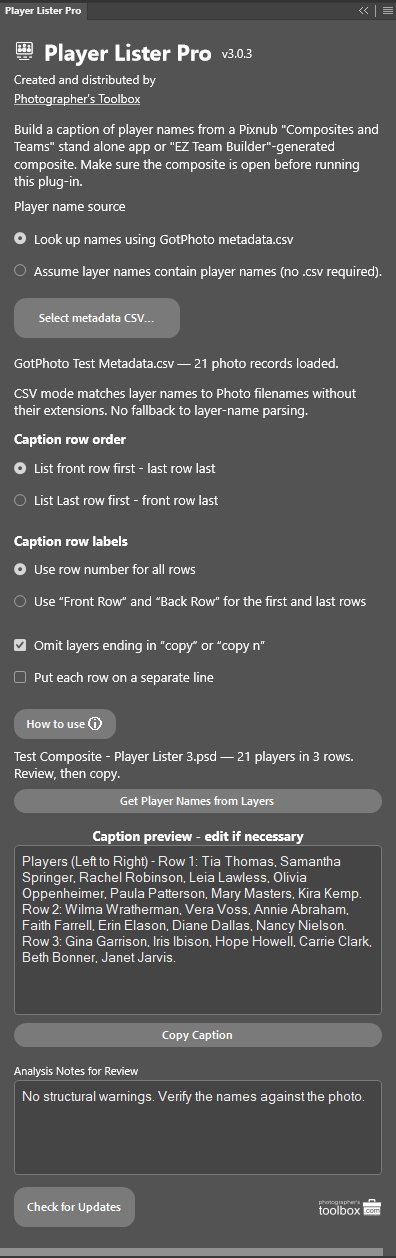
Player Lister Pro 3 analyzes a CAT or EZ Team Builder composite to determine the players’ names from the composite layers contained in each layer name or GotPhoto metadata.csv file of player names and produces the caption in an editable field that can be copied and pasted into the email to the school, league, yearbook, or newspaper.
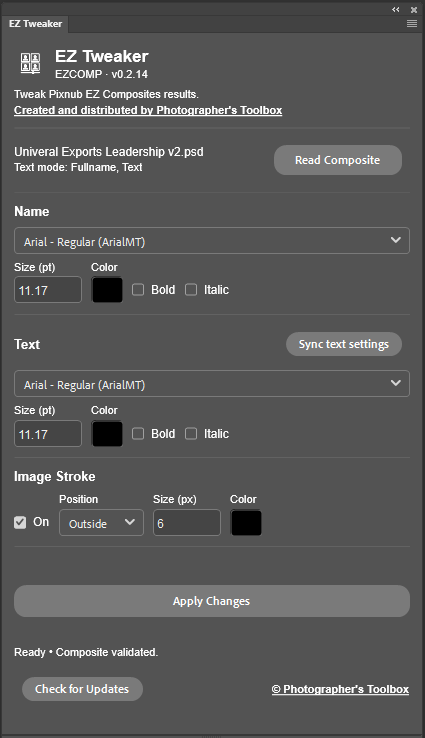
Make easy adjustments to Pixnub EZ Composites generated composites without having to re-run the entire composite. Adjust font type, color, size, and bold/italic as well as change the image stroke size, color and position. Tweak and polish your EZ Composite composites quickly and easily.
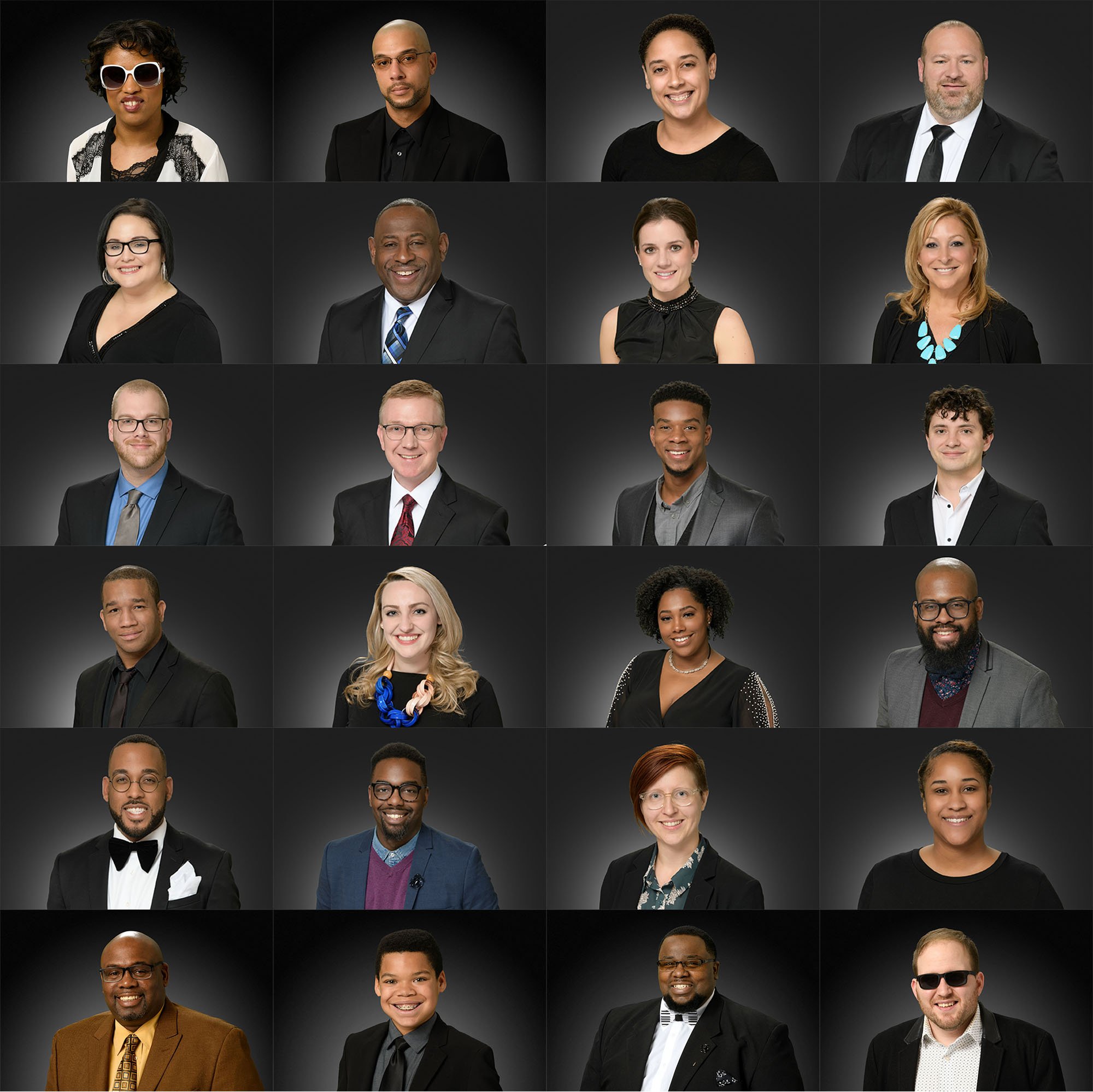
Building these cool looking social media contact sheets is easy if you have the right settings for the Photoshop Contact Sheet II tool. Use this calculator to find the right settings for the number of photos you want to show.
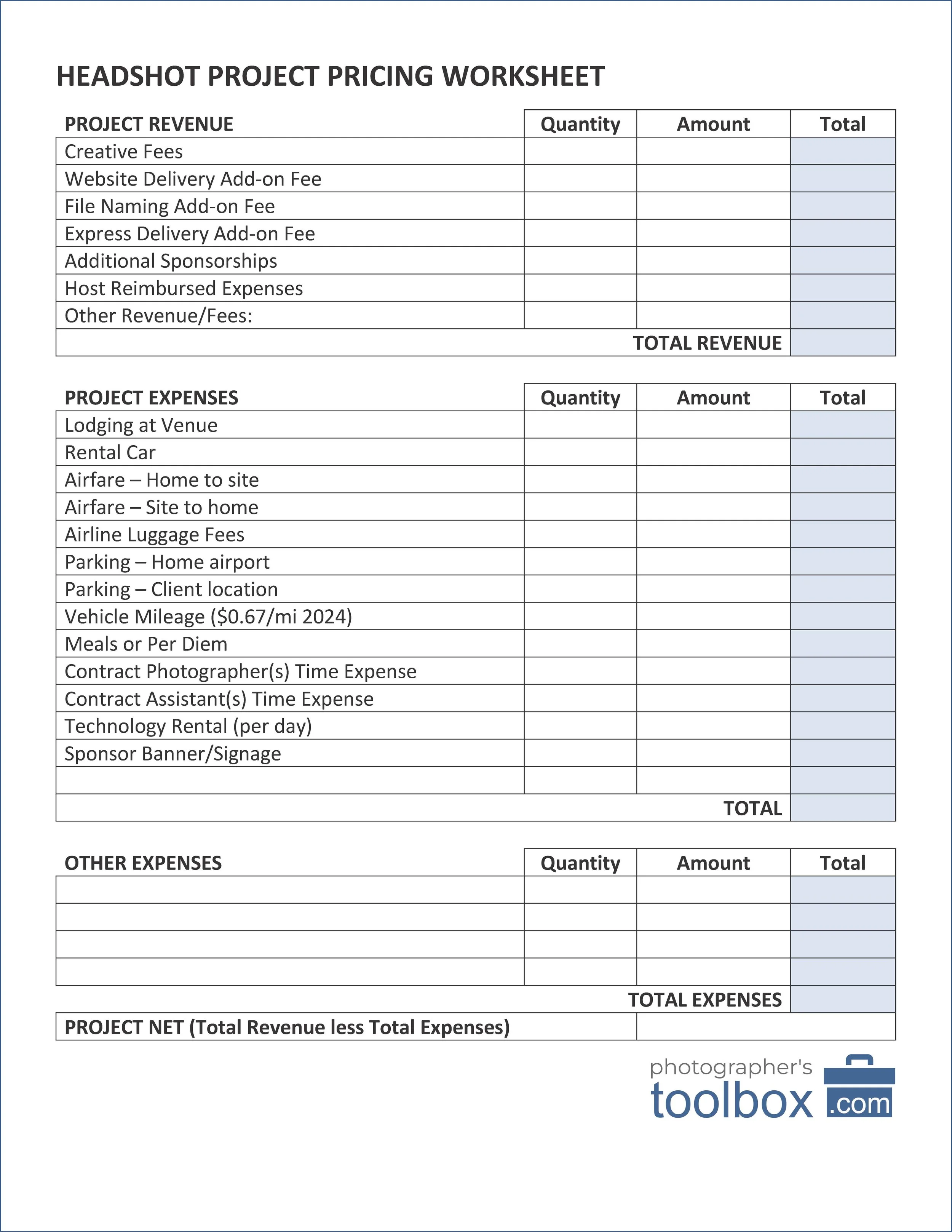
You got a call from a big company to do headshots at their next big convention, but is it worth it? How do you make sure your fees cover your expenses? Use our profitability calculator template and be sure of your profitability.

Create your own “Review Us” handout card to help clients provide more reviews and recommendations. This guide goes with the video “The two most important cards to have at volume headshot projects”.
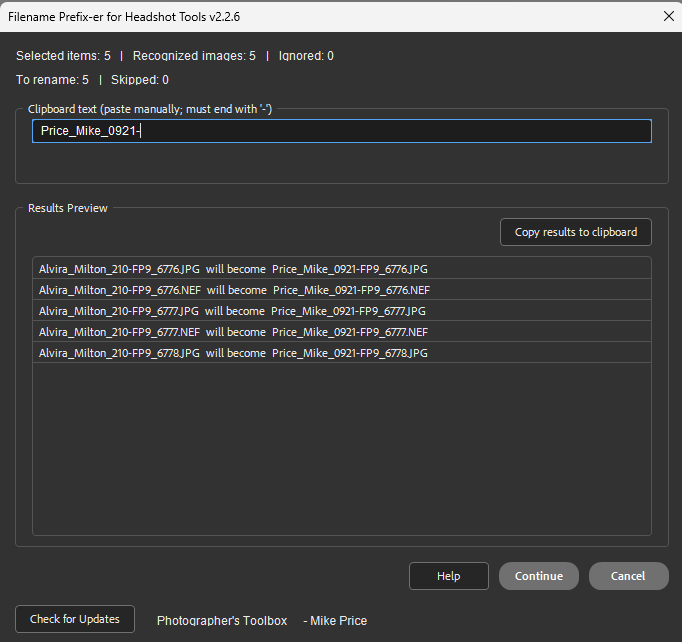
The Filename Prefix-er for Headshot Tools lets you use Adobe Bridge to select mis-named headshot image files where you forgot to double-click the subject’s name and then once you have the correct prefix value for that subject from Headshot Tools, correct all the image filename prefix for that subject’s files with one click.
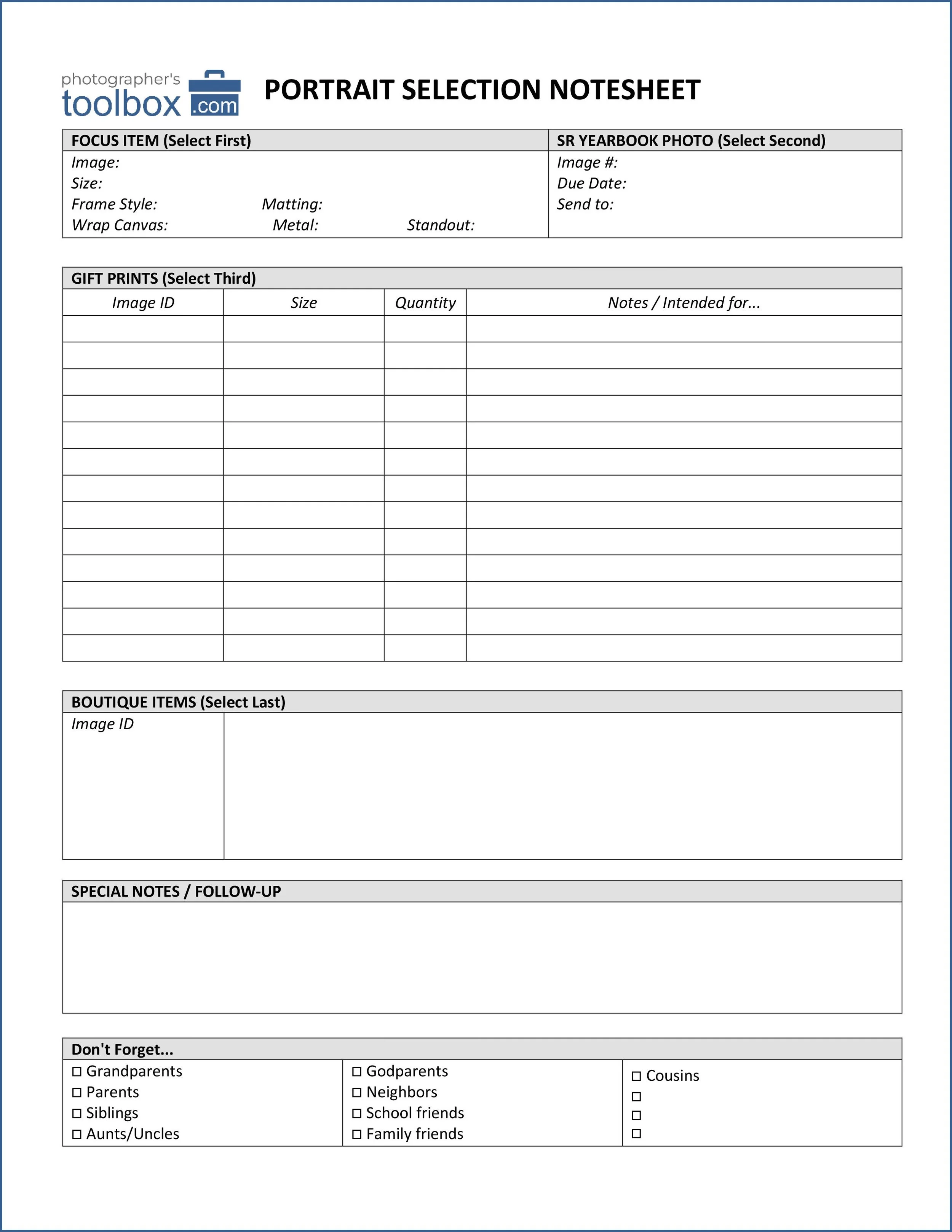
We know in-person sales nets higher portrait order totals. But keeping track of the client’s order can be daunting, especially if you don’t have a system to keep track things. This old-school worksheet is battle proven and a great place to start defining your sales process.

Create your own Lead Generation or “Need a Photographer?” handout card to help you gather information for potential clients and keep control of the sales cycle. This guide goes with the video “The two most important cards to have at volume headshot projects”.
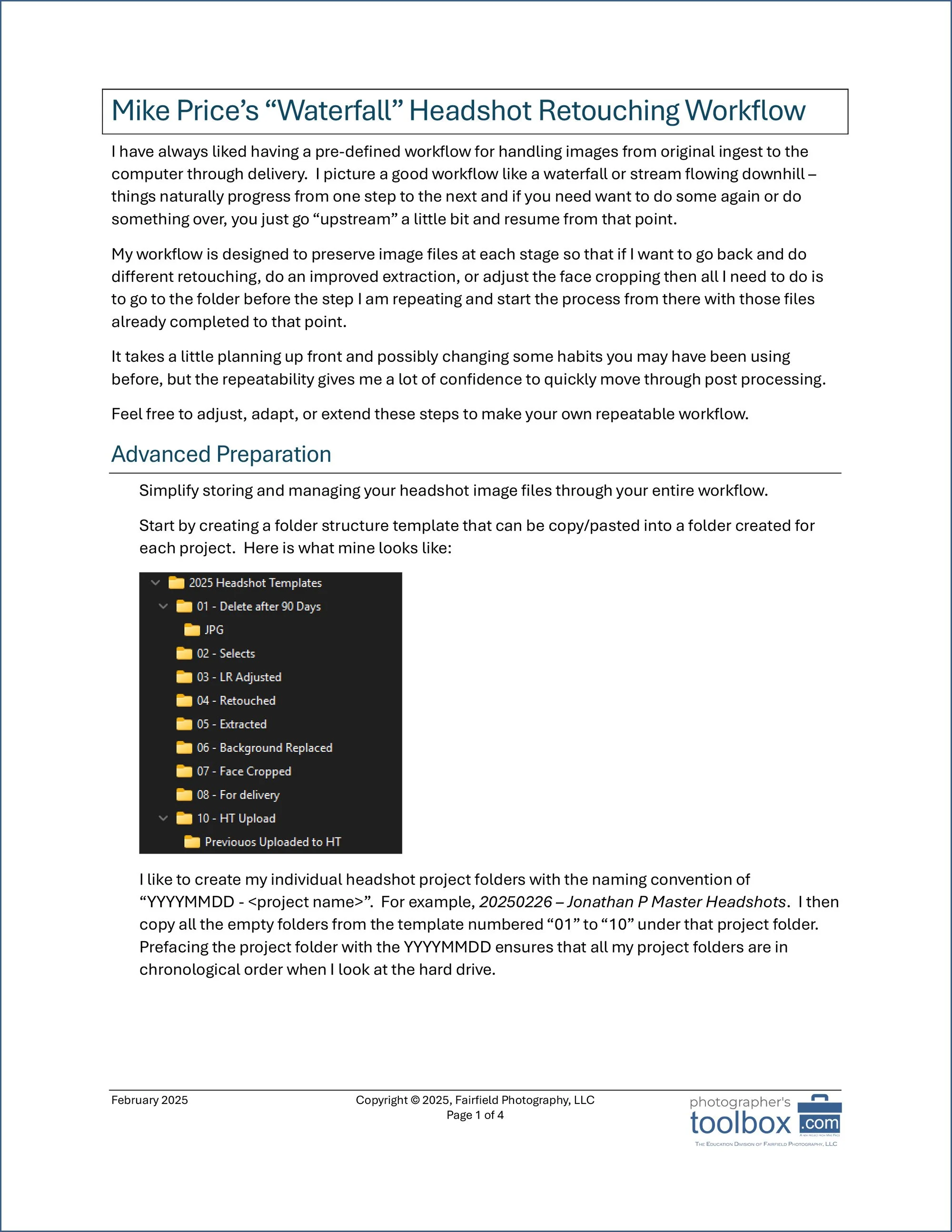
My workflow may not fit your style completely, but the process of you writing down your workflow and then refining it will save you time. Here is mine workflow to help get your started PLUS I’ve included my Evoto headshot preset values.

Need to figure out how many rows for classic group/team photos without resorting to composites? Use this calculator to tell you how many subjects per row to make the group photo look great. Built for 1 to 30 subjects.
Wouldn’t life be better with just a little less friction? Photographer’s Toolbox has released a collection of friction fighting tools for Photoshop, Adobe Bridge, the great Pixnub plug-ins, and even some general workflow aids to make your projects go a little easier with less friction.
Got friction in your work that you wish someone could fix? Send us a message using the “Requests” link in the toolbar above and we will see what we can create for you. Most of our friction fighting tools are free to use because we can all benefit from a little less friction.
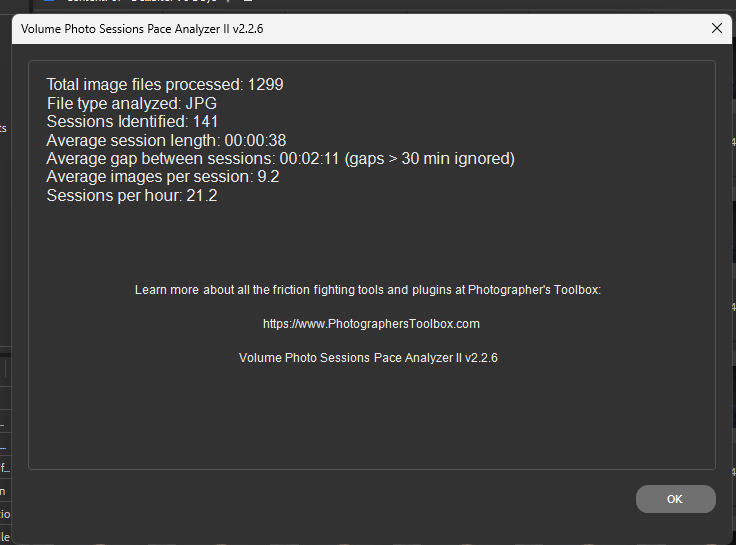
When shooting high-volume headshot sessions, the Volume Photo Session Pace Analyzer II helps you gain insight into how efficiently you're working. You can’t improve a process until you have measured it and this Adobe Bridge script tool gives you great insight to your high-volume projects. No more guessing. No more assumptions.
MORE TOOLS COMING SOON!